Topics & collaboration
Topics & comments: capture themes per contact
Topics turn the address book into a collaboration tool: tasks, meeting notes and to-dos are attached directly to the contact — and the whole team stays on the same page.
What is a topic?
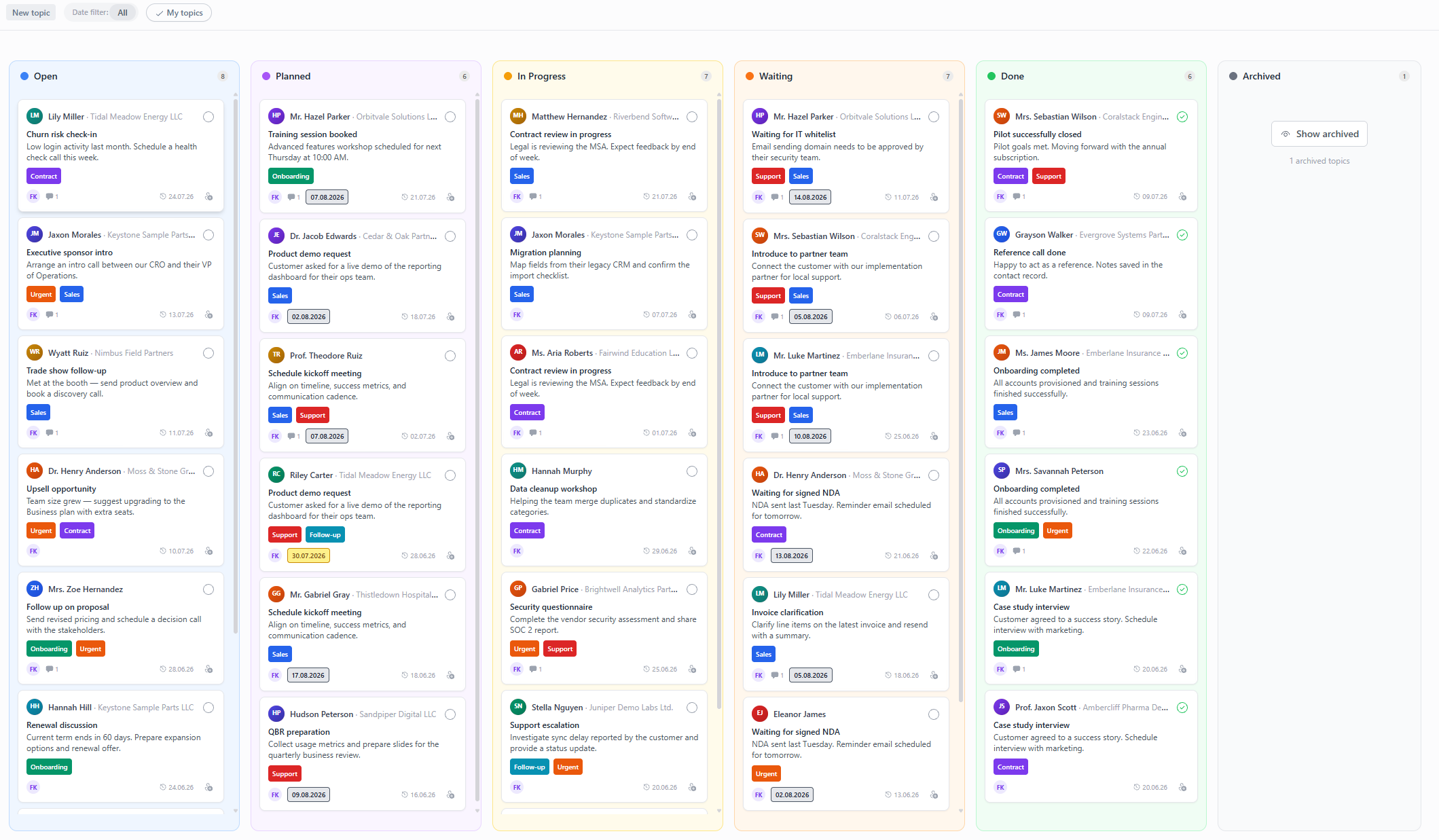
A topic is a theme around a contact: the follow-up after the trade fair, the ongoing quote or the note from the last call. Every topic has:
- a title and a description
- comments in threads — for discussions right at the theme
- assignees and a due date
- a status (six statuses from open to done)
- topic tags for categorization
Creating a topic
- Open the contact and switch to the Topics tab — or create the topic directly on the topic board.
- Add a title, description and optionally assignees, due date, status and tags.
- The topic is visible to the team and automatically appears on the topic board.
@-mentions and comments
Pull colleagues right into the theme:
- Type @ and select the person — they are notified.
- Reply in threads so discussions stay with the respective comment.
- Whoever follows the contact automatically sees new activity.
Topics in everyday work
- Handovers: New team members read up on a contact's history in the Topics tab — no knowledge loss during vacations or staff changes.
- Follow-ups: Set a due date so no follow-up slips through.
- Writing emails: From any topic you can have AI draft a matching email — the context is already there.
Frequently asked questions
What is a topic in Company Contacts?
A topic is a theme, task or meeting note attached to a contact — with comments, assignees, due date, status and tags. The entire history of a contact stays in one place.
How do I mention colleagues?
Type the @ character in a topic or comment and select the person. They are notified and can reply directly in the thread.
Does everyone on the team get notified about every topic activity?
No. Notifications go to whoever was mentioned, is assigned or follows the contact. You choose the frequency yourself: instant, daily or weekly.