Administration & account
Administration: team, permissions, AI settings, recycle bin
In administration you manage everything that concerns the whole workspace: team members and roles, permissions, the AI configuration and the recycle bin. The area is only visible to administrators.
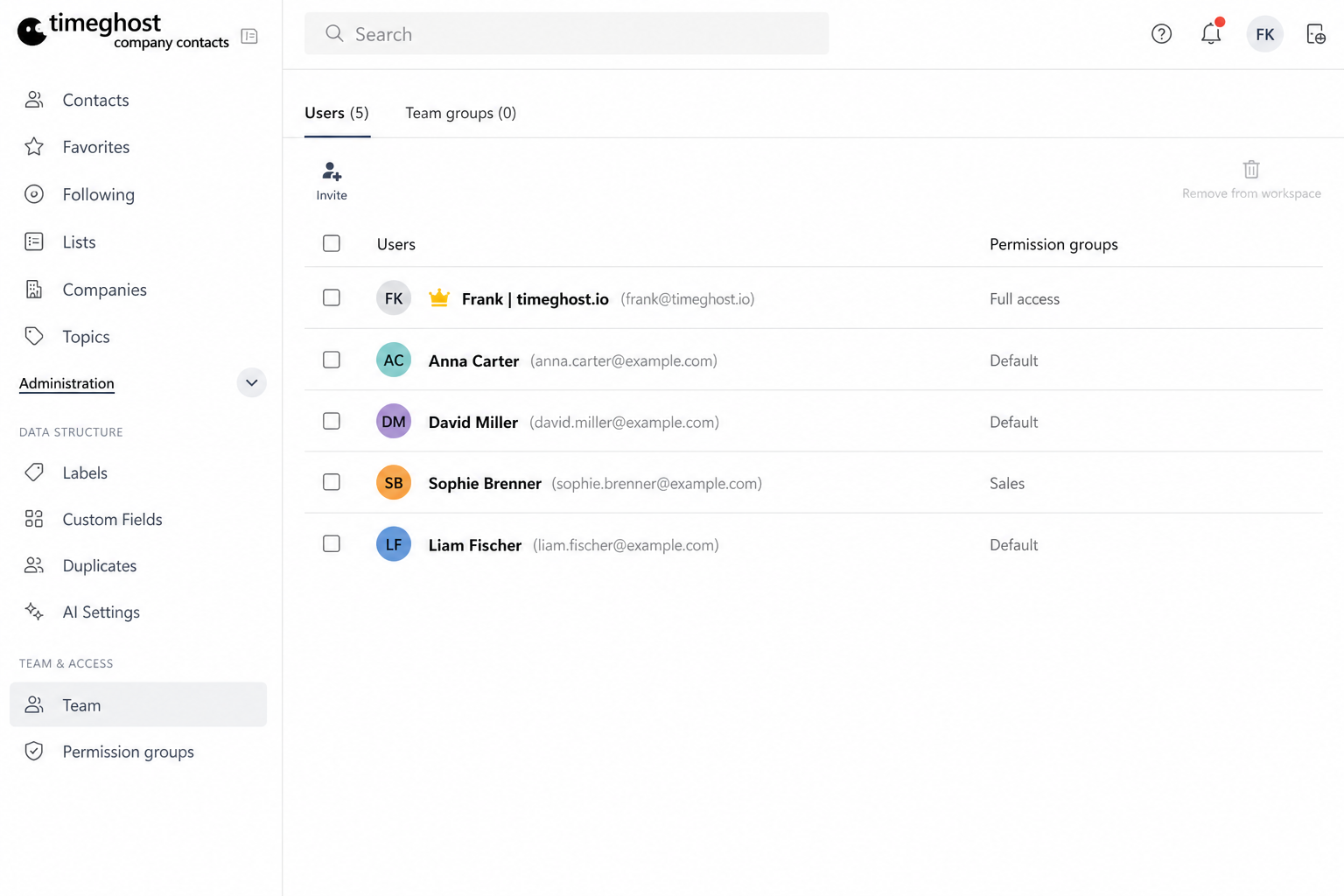
Team & roles
- Inviting: Invite colleagues to the workspace. Sign-in happens via single sign-on with the Microsoft account — no separate accounts required.
- Roles: Centrally manage who is an administrator and who works as a member.
- Groups & departments: Organize larger teams into groups to assign permissions more easily.
Permission groups
With permission groups you control exactly who can see and edit contacts:
- Create a permission group, e.g. "Sales DACH".
- Assign members and the relevant contacts.
- Only members of the group can see and edit these contacts.
This keeps sensitive contacts — such as applicants or key accounts — restricted to the right people. For all the details, including advanced permissions, see the permission groups article.
AI settings (BYOK)
For the emails with AI feature, configure the AI provider under Administration → AI settings:
- Company Contacts follows the BYOK principle (Bring Your Own Key): you store the API key of your own provider.
- Azure OpenAI is supported, among others — your data stays in your own environment.
- Without a configured provider, the AI feature remains disabled.
Recycle bin
Deleted contacts go to the recycle bin and can be restored from there — including their topics and history. Only when an entry is permanently deleted is it irrevocably removed.
Subscription & plans
You also manage your plan (Flex, Team, Business or Enterprise) in administration. See the pricing page for an overview of plans and prices.
Frequently asked questions
How do I invite new team members?
Administrators invite colleagues via administration. Since sign-in happens via single sign-on with the Microsoft account, no separate accounts are needed.
What are permission groups?
With permission groups you control exactly who can see and edit which contacts — for example separated by department or region.
How long do deleted contacts stay in the recycle bin?
Deleted contacts go to the recycle bin and can be restored from there until they are permanently deleted. Nothing gets lost by accident.